
At West Cancer Center, we’re here to support you beyond your treatment. Explore resources designed to help you and your loved ones navigate your cancer journey, find helpful information, and access support every step of the way.
Patient Portal
How to Sign Up
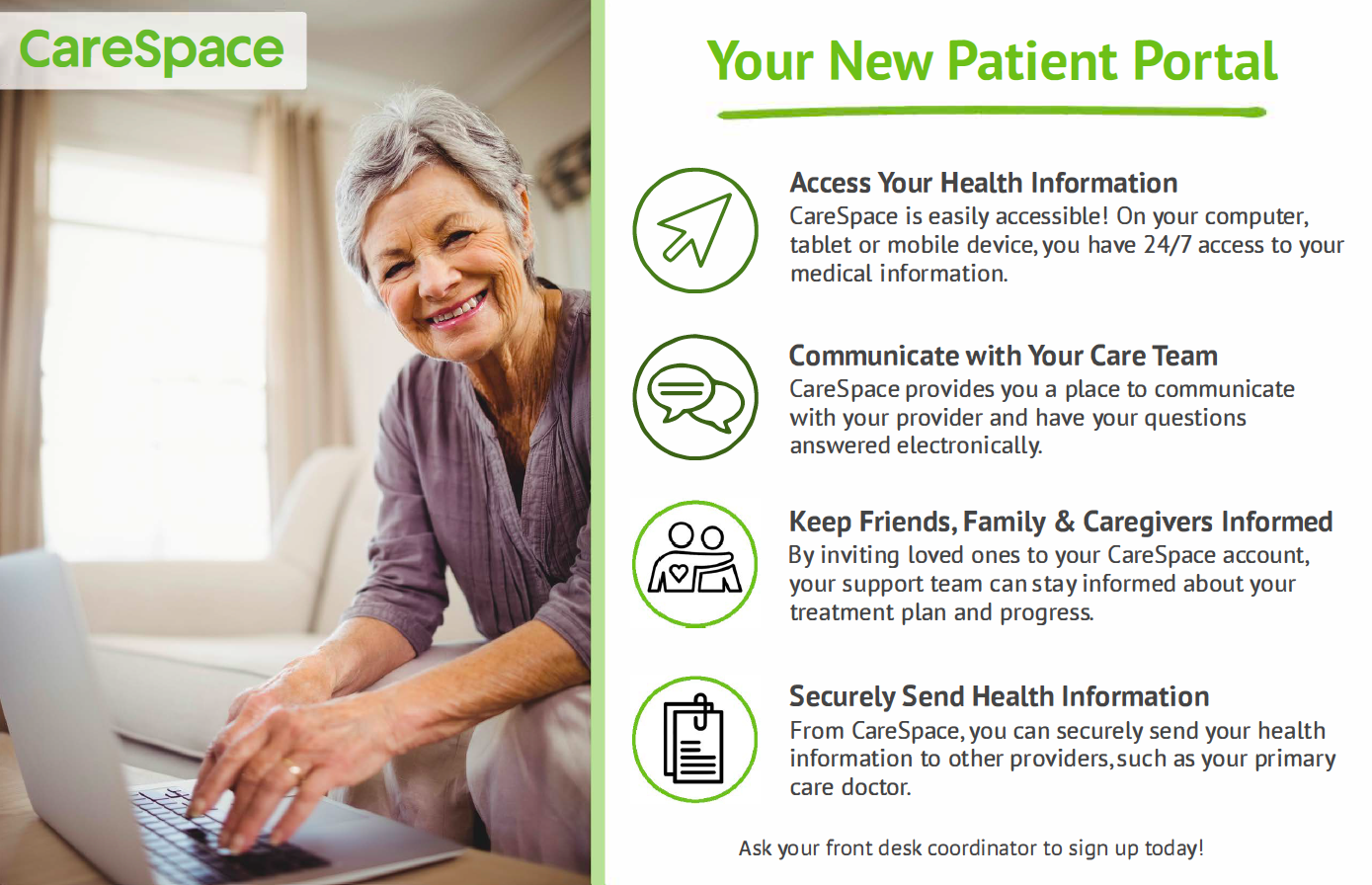
- Ask your front desk coordinator for access to CareSpace. He or she will send you an email to create your account.
- Open your CareSpace email and click the registration link to create a password for your account.
- Log in using your email, password and date of birth.
Have questions? We’ve got answers!
Where do I log in for CareSpace?
You can always access CareSpace by visiting CareSpacePortal.com, clicking the patient portal button on our West Cancer Center website, or through our mobile app on both apple and android.
Who can see my account?
Only you and the people you invite can see your account. If you invite someone to your CareSpace account, they can see the same information that you see.
What should I do if my registration link expires?
To make sure that your information is safe, registration links expire after 4 days. Give us a call so we can resend you a new link at 901.683.0055.
What if I don’t receive a registration link?
Be sure to check your spam folder. If you still don’t see one, give us a call or email support@westclinic.com so that we can resend your link.
Patient Handbook
As a new patient at West Cancer Center & Research Institute, you will receive a detailed new patient handbook upon arrival. This resource offers detailed information about all of our supportive programs, treatment options, team members, and so much more to make sure you have access to important information.
West Cancer Center & Research Institute accepts all major insurance carriers.
Not all plans are available at every location as we serve different states. Therefore, we urge all patients to contact their insurance companies to confirm eligibility.
Aetna
Aetna Medicare
Ambetter
Amerigroup Medicaid
Amerigroup Medicare Advantage
BlueCross BlueShield PPO
Blue Advantage
Cigna
Cigna – HealthSpring Medicare
Coventry
HealthSCOPE
HealthSmart
Humana
Humana Medicare Advantage
Medicaid (AR, MS, TN)
Medicare Part B
MS CAN – Magnolia & UHC
PHCS/MultiPlan
TennCare
Amerigroup
BlueCare
TriCare
United Healthcare
UnitedHealthcare Medicare Advantage
VA/TriWest
WellCare Medicare Advantage
If you do not see your health insurance plan listed below, please contact us at 901.609.3566 for additional information. Our Insurance Specialists will verify your coverage prior to your appointment as new insurance plans are added all the time!
*Midtown – Regional One Health Cancer Center does not accept certain UHC plans or certain Cigna plans. Please call our team to confirm coverage.
Nurse Navigators
Our nurse navigators are registered nurses with clinical oncology knowledge, specializing in assisting and guiding you through the different phases of your cancer journey.
Nurse navigators serve as your primary point of contact to help you make informed decisions, explain care plan and treatment options, coordinate aspects of care, advocate for your specific needs, and access supportive care resources.
You will be assigned a Nurse Navigator after meeting with your provider. You can communicate with your Navigator in two ways:
- By leaving a message on your CareSpace Patient Portal for a nurse to respond within 48 business hours
- Call 901.683.0055 to leave a message for a nurse to call back


Financial Navigators
Financial services and assistance programs are available for you
If you are uninsured or underinsured and need assistance, please contact our billing office at 901.683.0055, ext. 68151 or financialadvocates@westclinic.com to speak with a West team member. Assistance and financial services are not available for all, but our team members are partnered with a variety of programs and philanthropic entities that may be options for you.
Application for Disabled Person License Plate, Placard, or Decal
Our Care Support team works diligently to assess patient circumstances and help remove any barriers to healing. Patients experiencing mobility challenges, transportation support from caregivers, pain and discomfort, or any other side effects from treatment may be eligible for a state-issued disability license plate or placard.
Below are applications for Arkansas, Mississippi, and Tennessee residents. These forms should be printed, completed, and submitted according to the instructions listed in each packet.
Advanced Directive & Do Not Resuscitate
An advance directive will help guide your loved ones and medical team about personal decisions about your medical care at time when you may not be able to make decisions. Making these decisions ahead of time will ensure your wishes are followed when emergency care or special actions result due to illness.
Download Our Mobile App
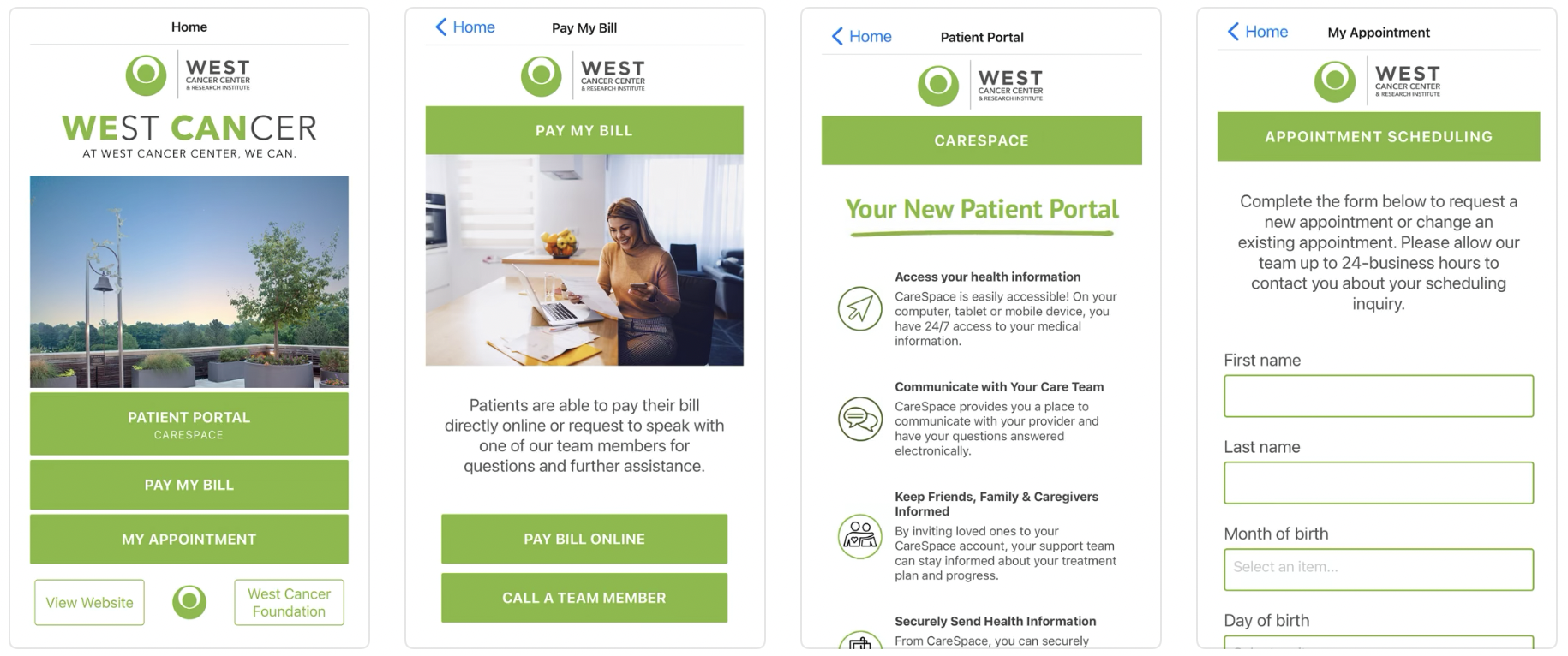
Our West Cancer Center mobile app is available for both Apple and Android devices. Just search “West Cancer Center” in your app store to download. Users can access their CareSpace patient portal, view and pay their bill online, and receive clinic-wide updates with ease.
For assistance, please contact support@westclinic.com.